
unity5, 在unity中编辑动画
时间:2015-05-20 12:45:01
收藏:0
阅读:167
如图,dock是一个空gameObject,其下包含mouth_dn,mouth_up (应该叫lip_dn,lip_up更合适,这不是重点,先不改了),head,eye_left,eye_right等组成部分。
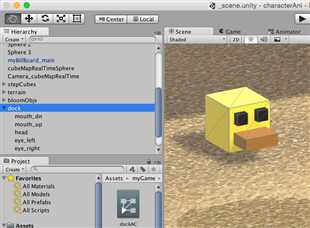
选中dock,然后打开animation窗口(菜单->Window->Animation)。新建一个clip命名为speak,然后在其下点Add Property,可以看到能对dock下的所有组件编辑动画,这里我们对eye_left,eye_right,mouth_dn,mouth_up这四个子节点编辑动画以实现speak这个动画。
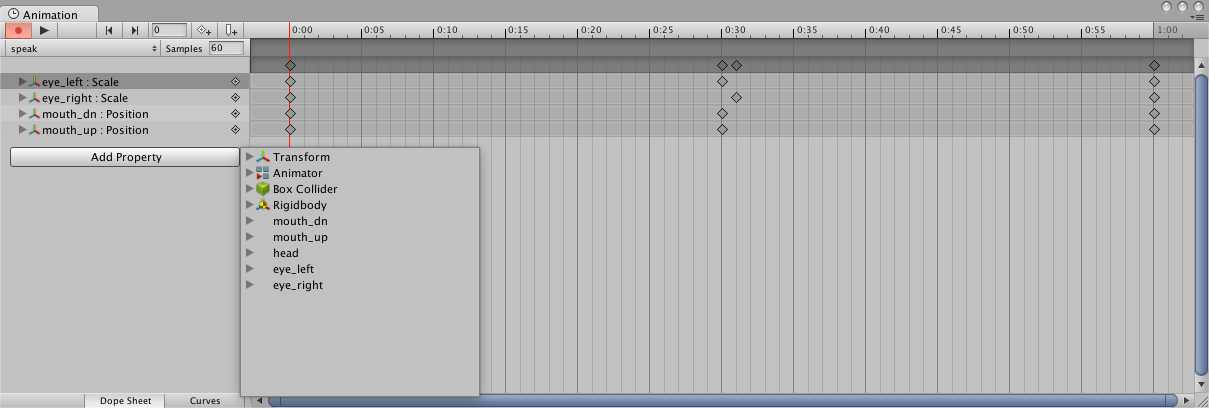
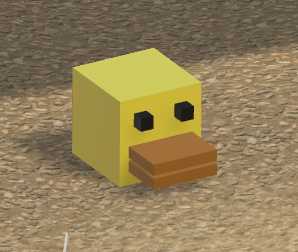
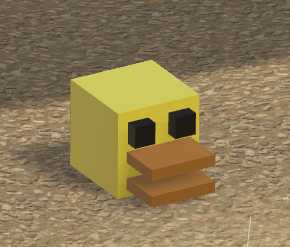
编辑好后运行程序,就可以看到dock的动画了:
评论(0)