
webpack项目搭建
时间:2021-07-05 19:01:56
收藏:0
阅读:0
官方文档
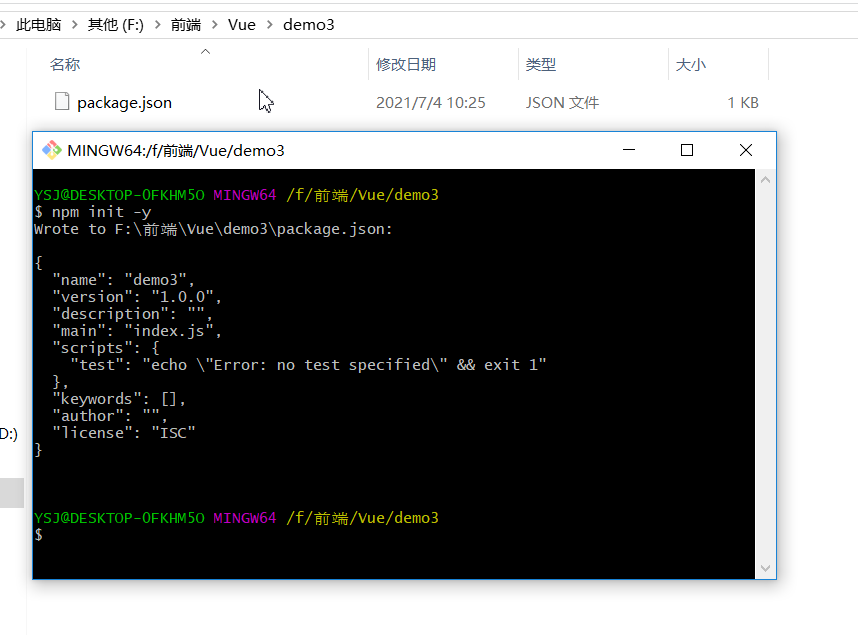
1、初始化package.json文件
npm init -y
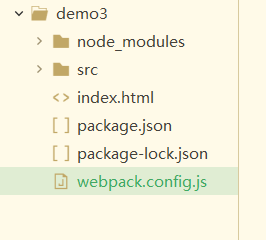
2、创建基本目录结构
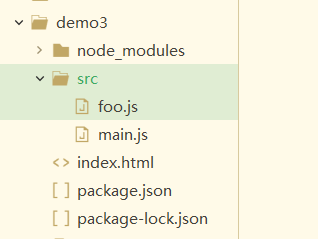
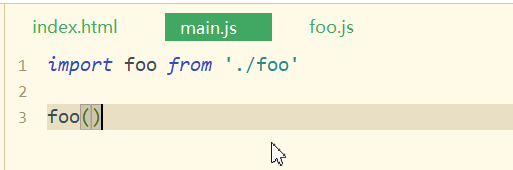
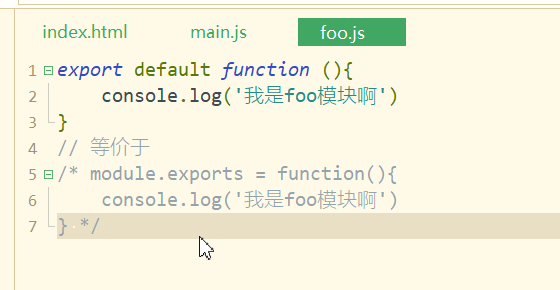
3、配置webpack
npm i -D webpack
4、创建并配置 webpack.config.js 文件
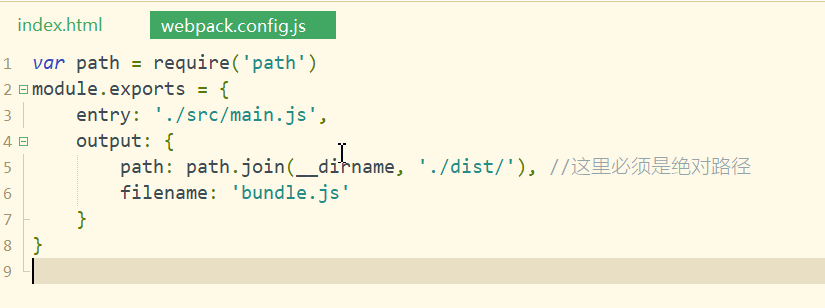
var path = require(‘path‘)
module.exports = {
	entry: ‘./src/main.js‘,
	output: {
		path: path.join(__dirname, ‘./dist/‘), //这里必须是绝对路径
		filename: ‘bundle.js‘
	}
}
5、配置 npm scripts
5.1 找到package.json 文件
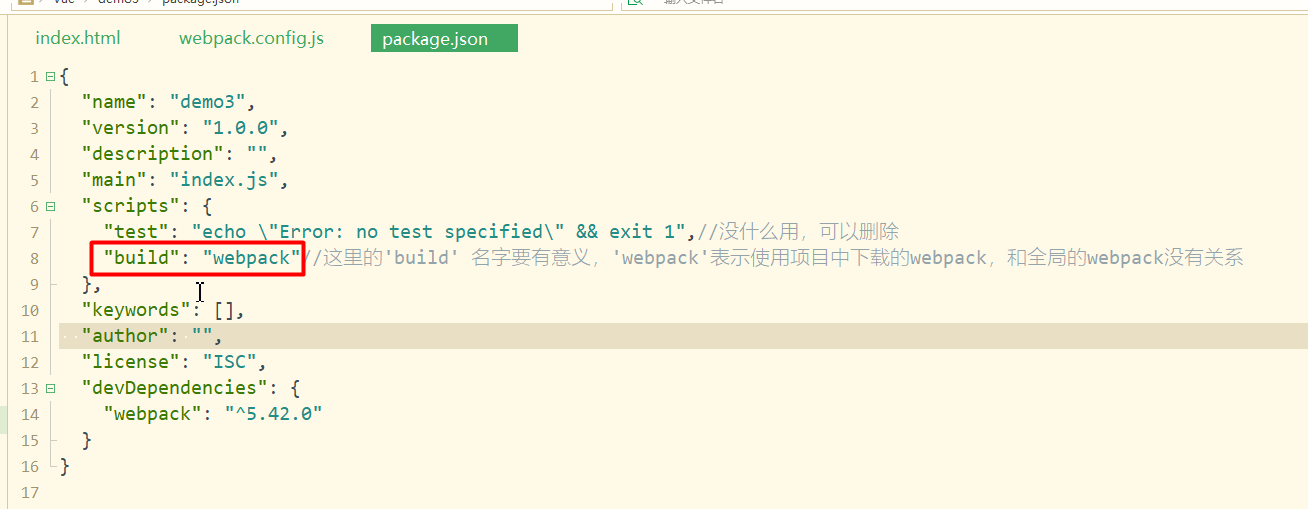
{
  "name": "demo3",
  "version": "1.0.0",
  "description": "",
  "main": "index.js",
  "scripts": {
    "build": "webpack"
  },
  "keywords": [],
  "author": "",
  "license": "ISC",
  "devDependencies": {
    "webpack": "^5.42.0",
    "webpack-cli": "^4.7.2"
  }
}
6、打包
npm run build
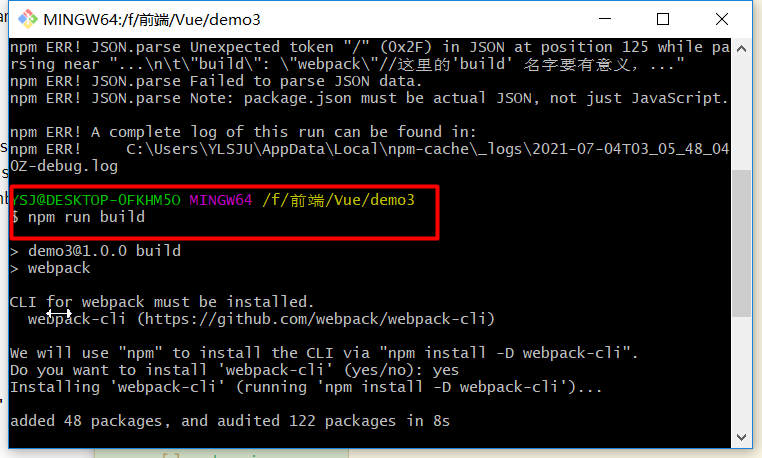
6.1、得到dist文件
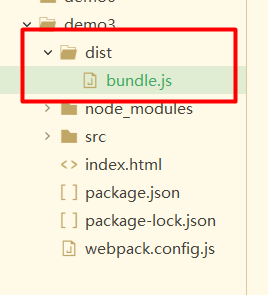
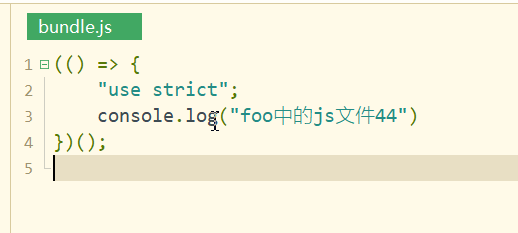
7、在index.html中引入dist/bundle.js文件
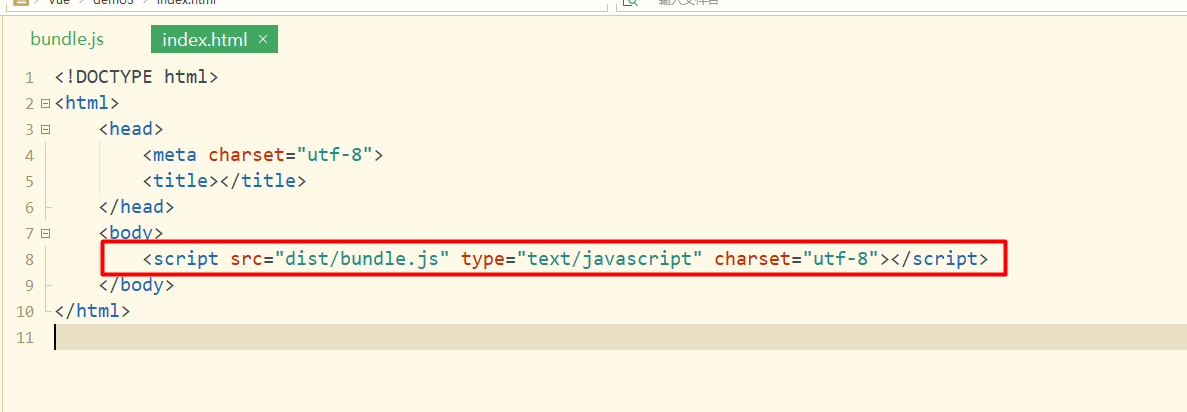
7.1、运行index.html文件

8、自动编译
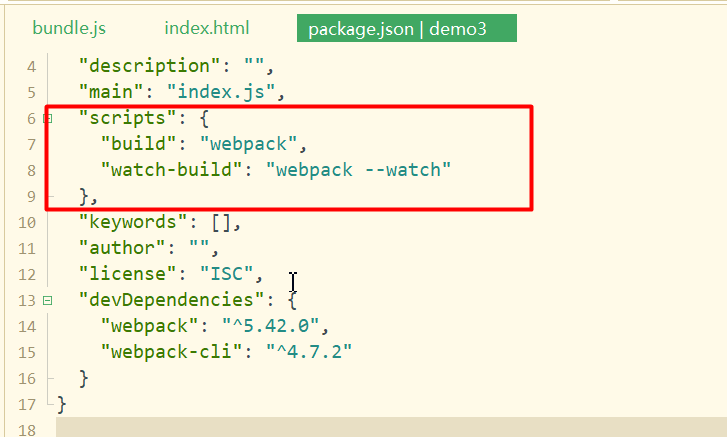
8.1、 运行时运行 npm run watch-build
评论(0)